Note:
The manufacturer installs a battery with a nominal voltage of 12 V and a capacity of 45 Ah on Honda Civic cars. The battery elements are located in a polypropylene monoblock and are closed by a common cover, inseparably connected to the monoblock. The battery cover has plugs for topping up with distilled water with ventilation holes.
Rechargeable batteries made in Japan are marked according to the internal Japanese standard JIS . The 45 Ah battery is designated 55B24L.
How to remove the Honda Civic battery
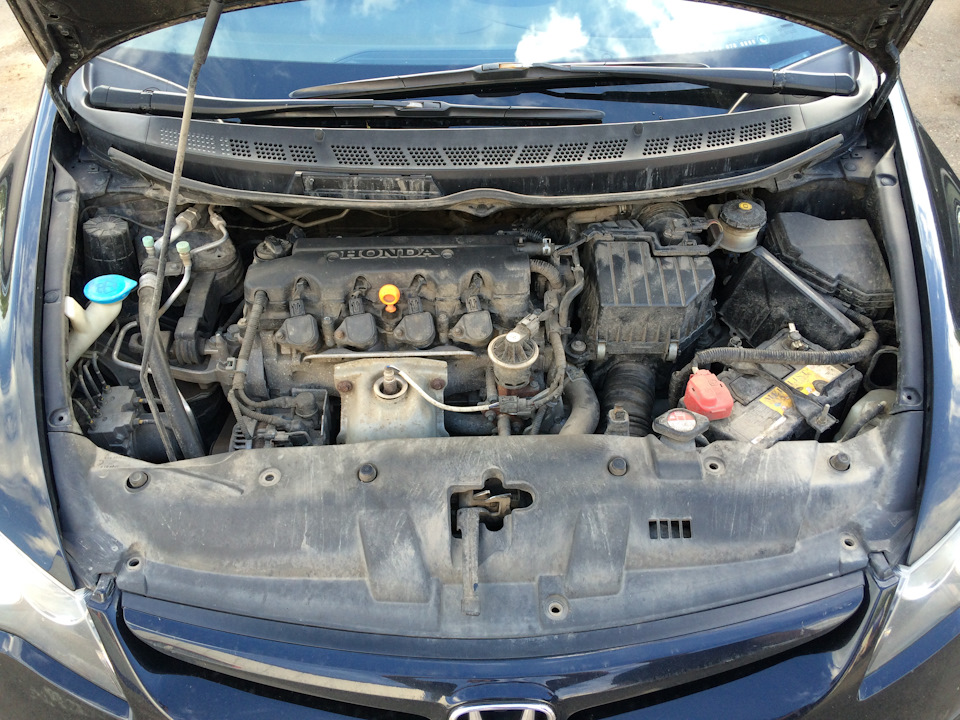
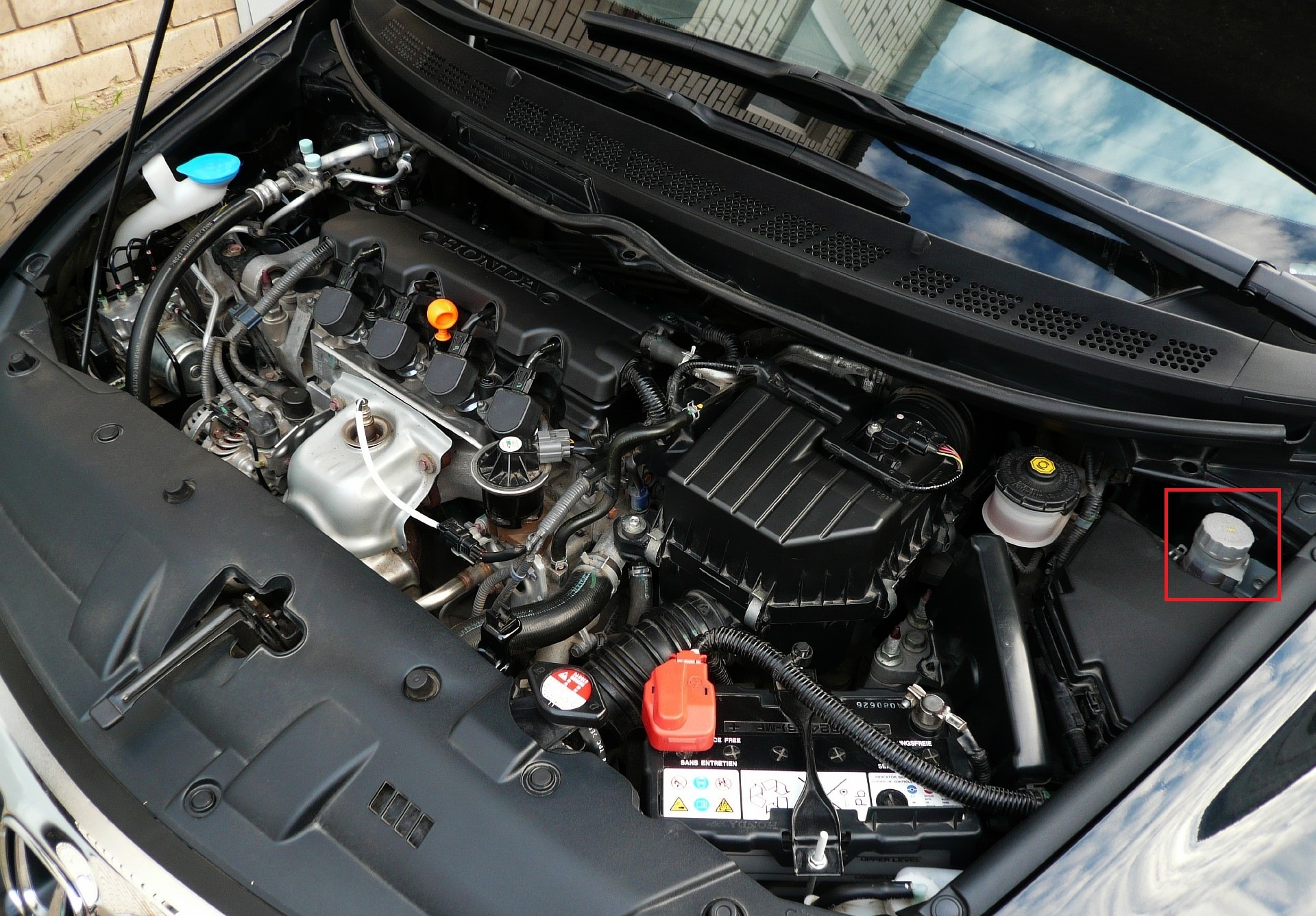
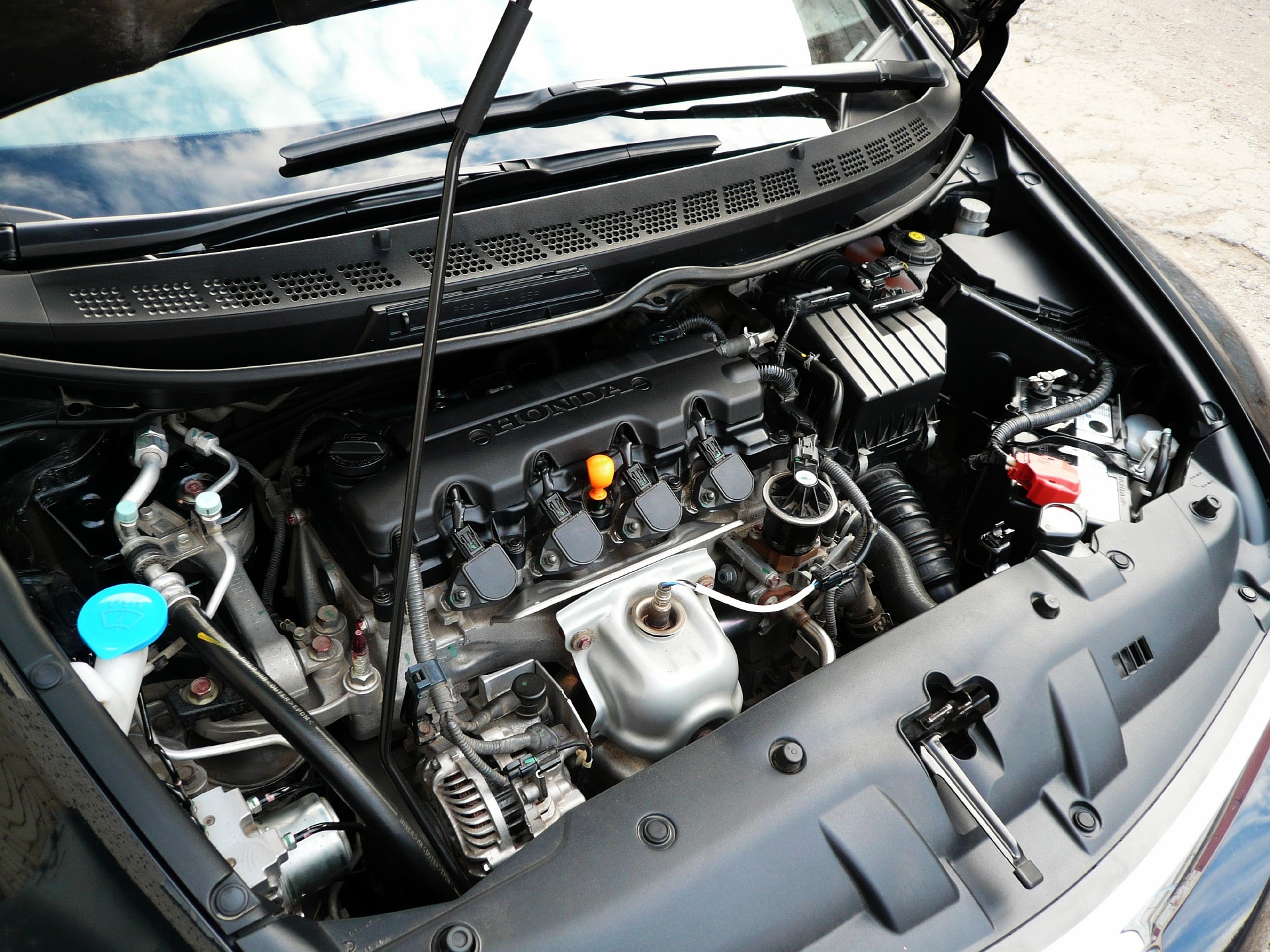
1. Park the vehicle on a level surface and open the hood.
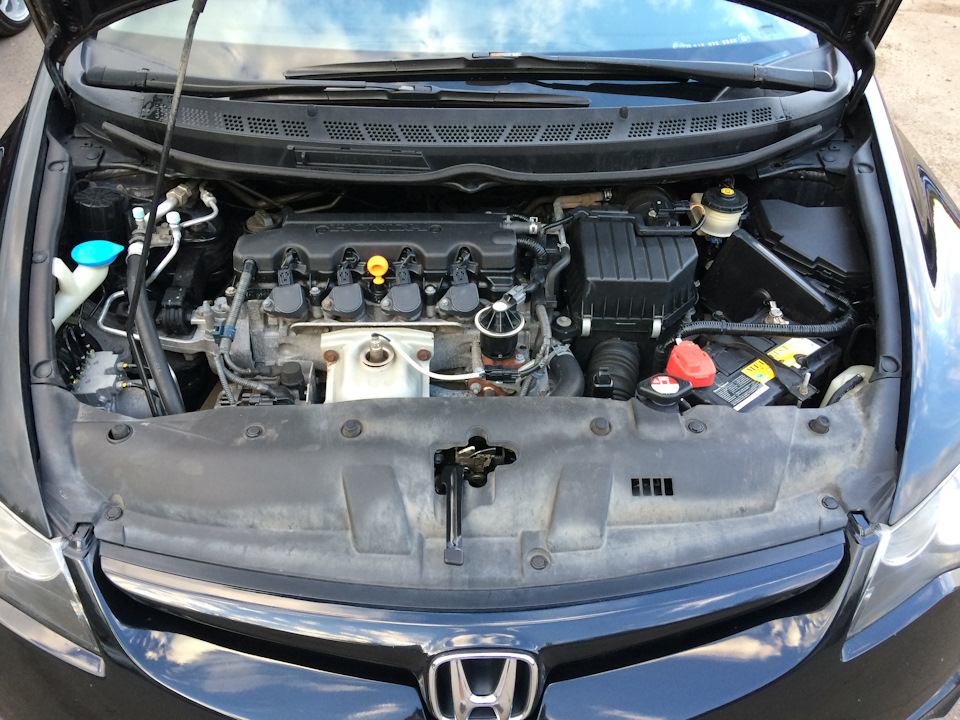
2. Using a 10 mm wrench, loosen the nut of the “negative” battery terminal.

3. Remove the negative "-" terminal from the Honda Civic battery.

4. Lift the protective cover of the positive terminal of the battery "+".

5. Using a 10 mm wrench, loosen the nut of the “positive” battery terminal.

6. Remove the positive terminal from the Honda Civic battery.

7. Disconnect the harness holder from the clamp bar stud.


8. Use a 10mm wrench to loosen the 2 nuts on the battery bar.

9. Remove the Honda Civic battery clamp from the studs.

10. Pull up and remove the protective cover.

11. Pull the Honda Civic battery out of the engine compartment and carefully place it on the ground.

Note:
To avoid acid leakage, be careful not to drop or tip over the old battery.
12. If necessary, replace the Honda Civic battery with a new one.

Note:
Instead of a regular maintenance-free battery, you can install any battery of other manufacturers that is similar in capacity and mounting dimensions. In this case, use and maintain the battery in accordance with the instructions supplied with it.
13. Remove all debris from the battery location.

14. Clean the battery terminals and the inside surfaces of the wire lugs with fine sandpaper.
15. Install the battery on the Honda Civic in the reverse order of removal.

16. Reconnect the wires, observing the polarity.

Note:
Try to avoid over-tightening the terminal nut because cracking the battery terminal can cause acid to leak.
17. After connecting the wires to the battery terminals, apply a light coat of grease to the metal wire lugs and exposed terminal surfaces.

Litol-24 grease or similar (copper-containing conductive grease) is well suited.

18. Check the performance of a new car battery: start the engine, turn on the headlights and turn on the high beam. Do not forget to adjust the time on the clock and the audio system.
Note:
Record the date you replaced your Honda Civic battery in your vehicle's service documentation.
Source: carpedia.club