![E11 [2004 - 2012]](/uploads/Nissan_Note_2005_-_2014_E11.jpg)


Note :
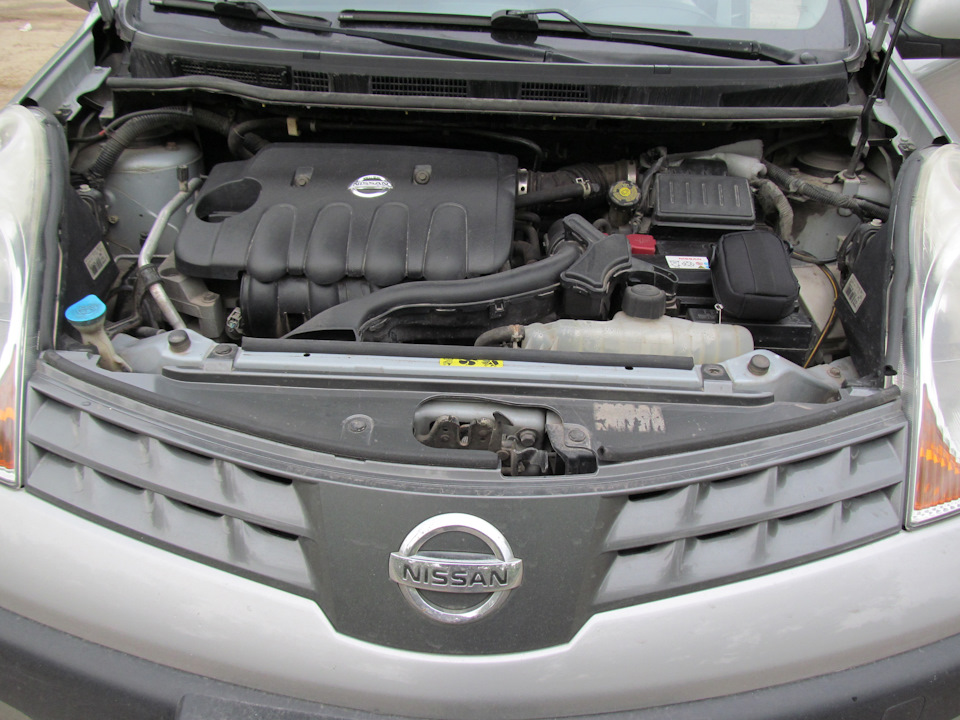
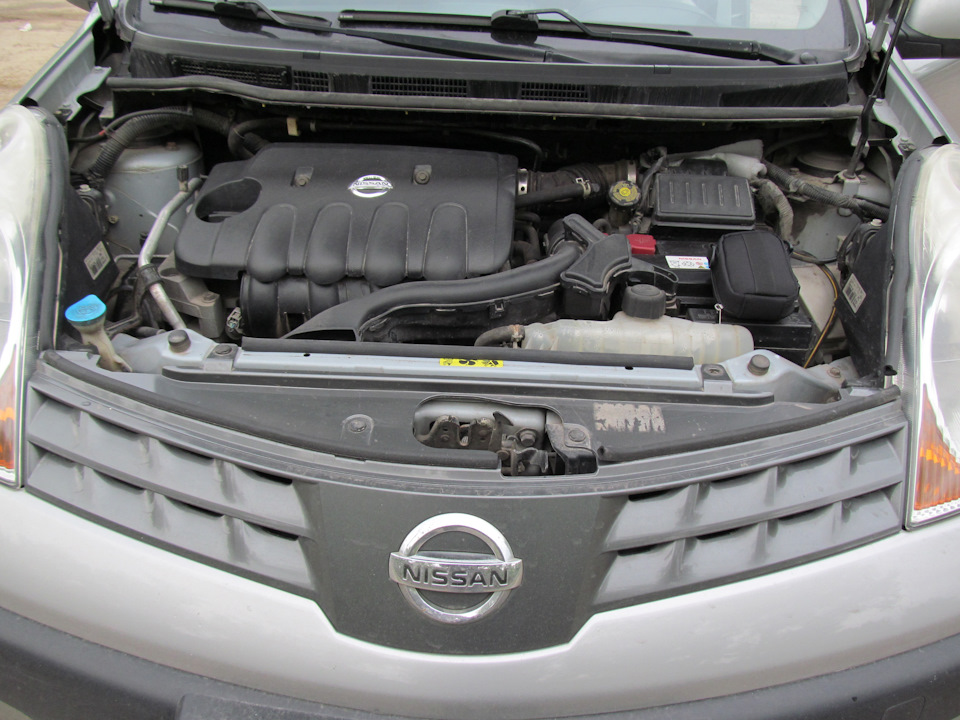
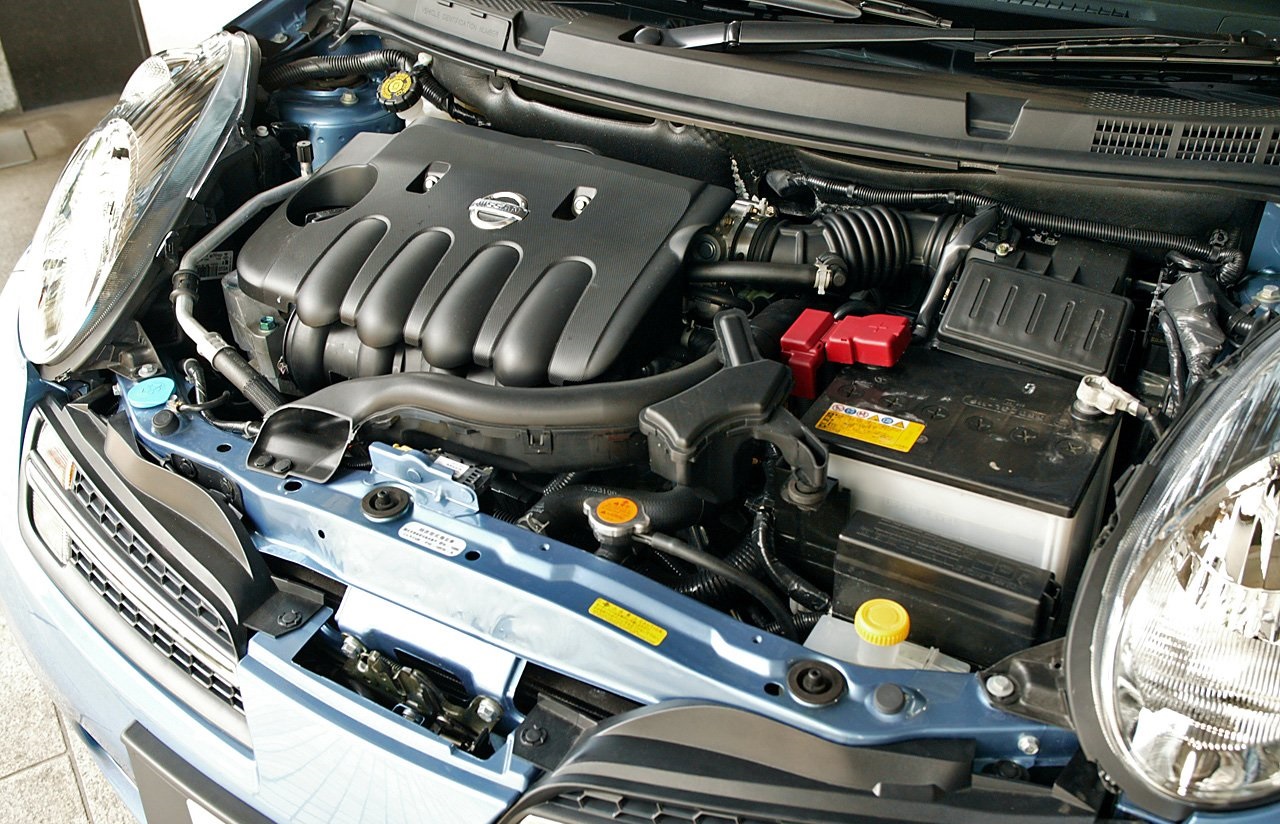
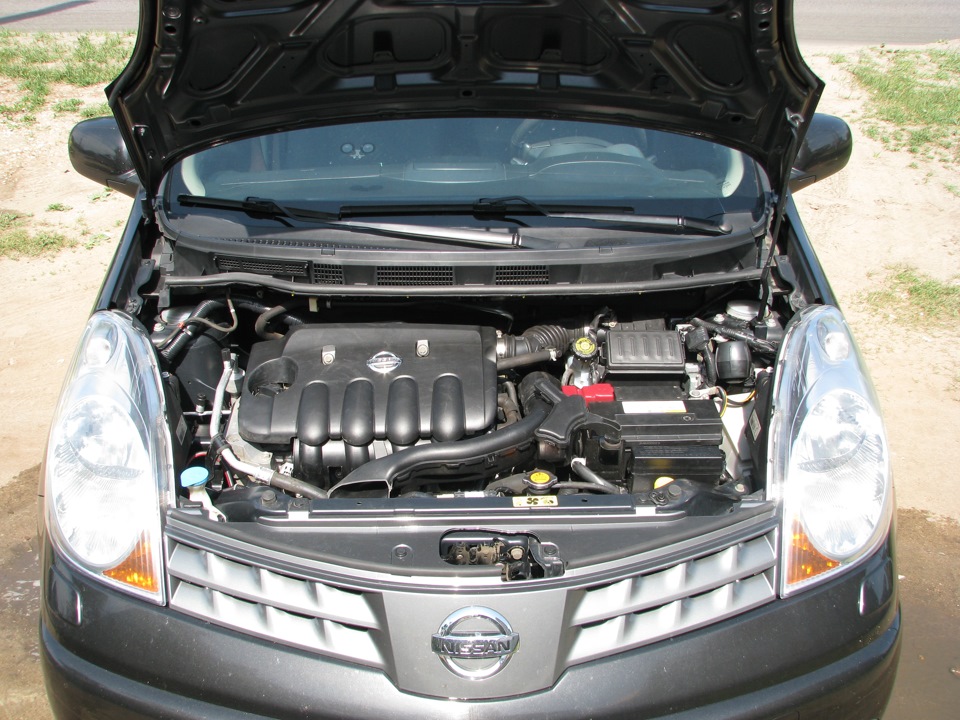
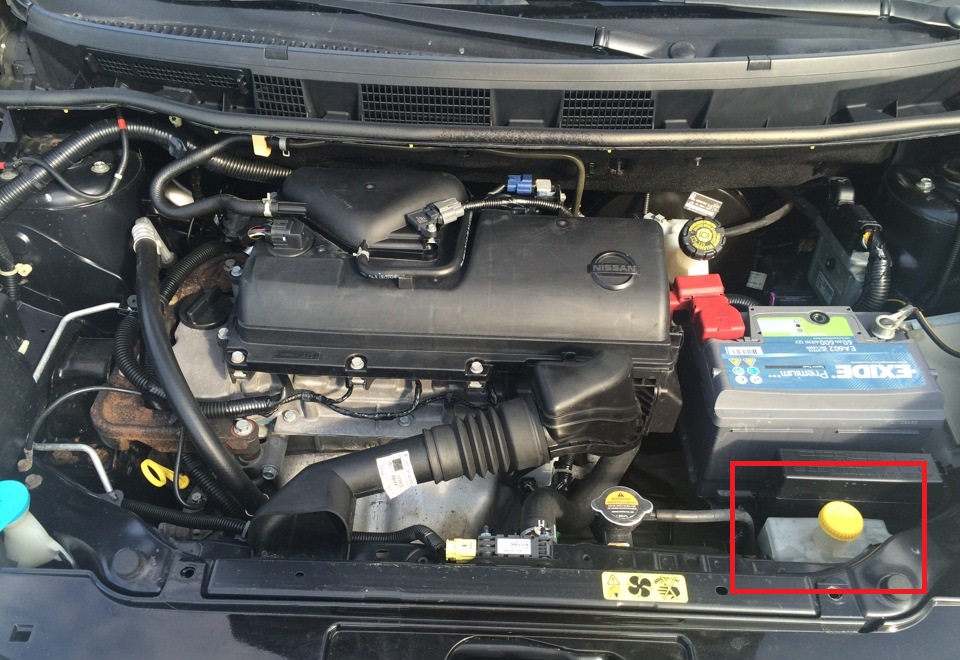
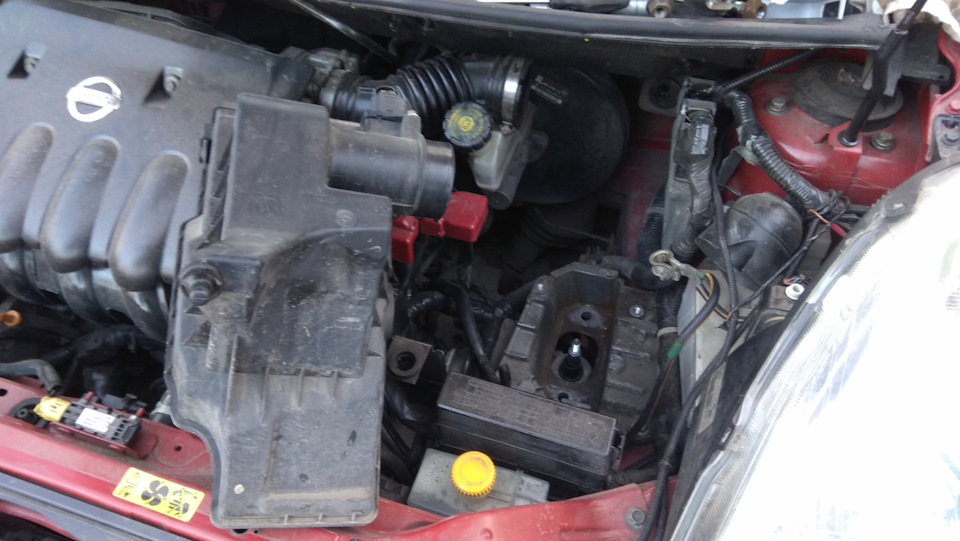
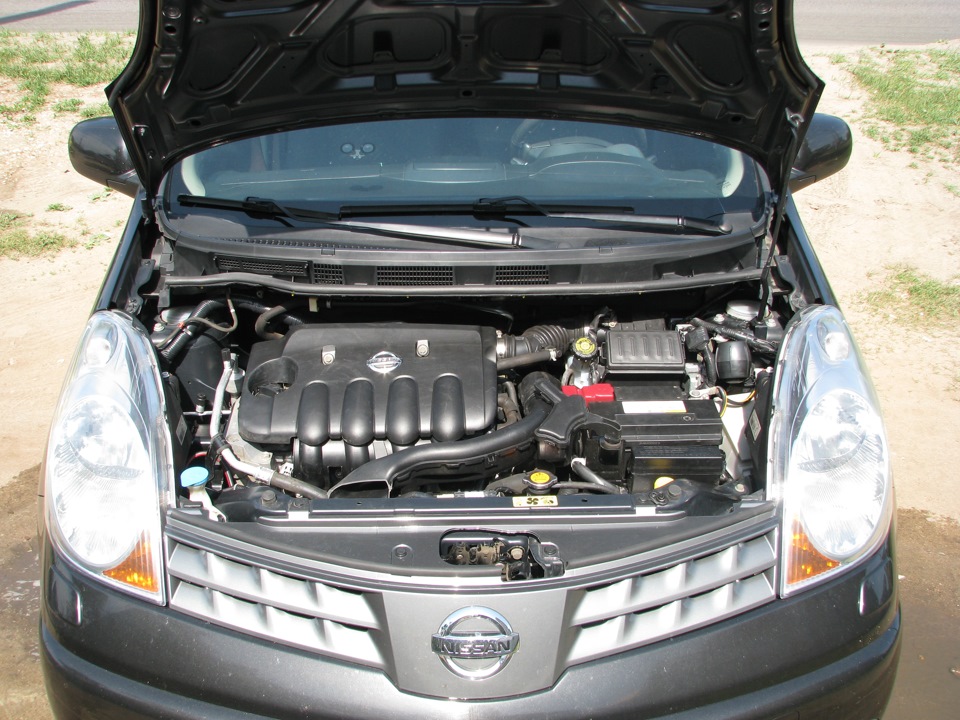
In order to gain access to the left engine mount, you will first need to remove the battery.
On vehicles with a 1.6L engine, the air filter housing must also be removed.
How to remove a Nissan Note battery
1. Place the car on a level surface, and turn off the ignition.
2. Raise the hood and secure it with the stop.
3. Use a 10 mm socket to loosen the wire lug tie bolt nut.
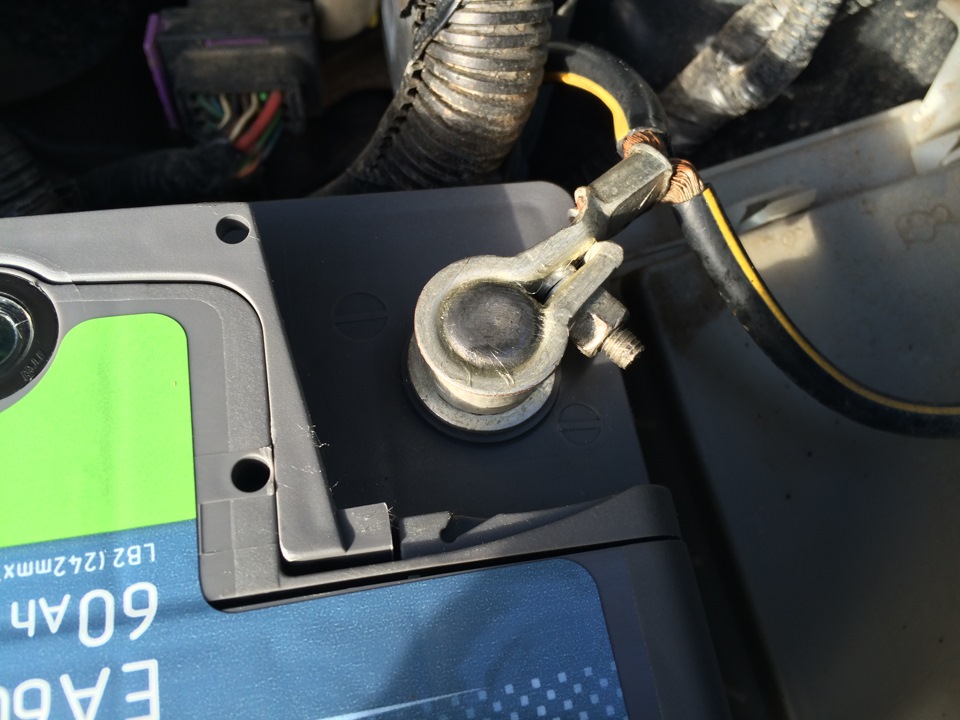
4. Disconnect a wire from the "negative" plug of the storage battery.
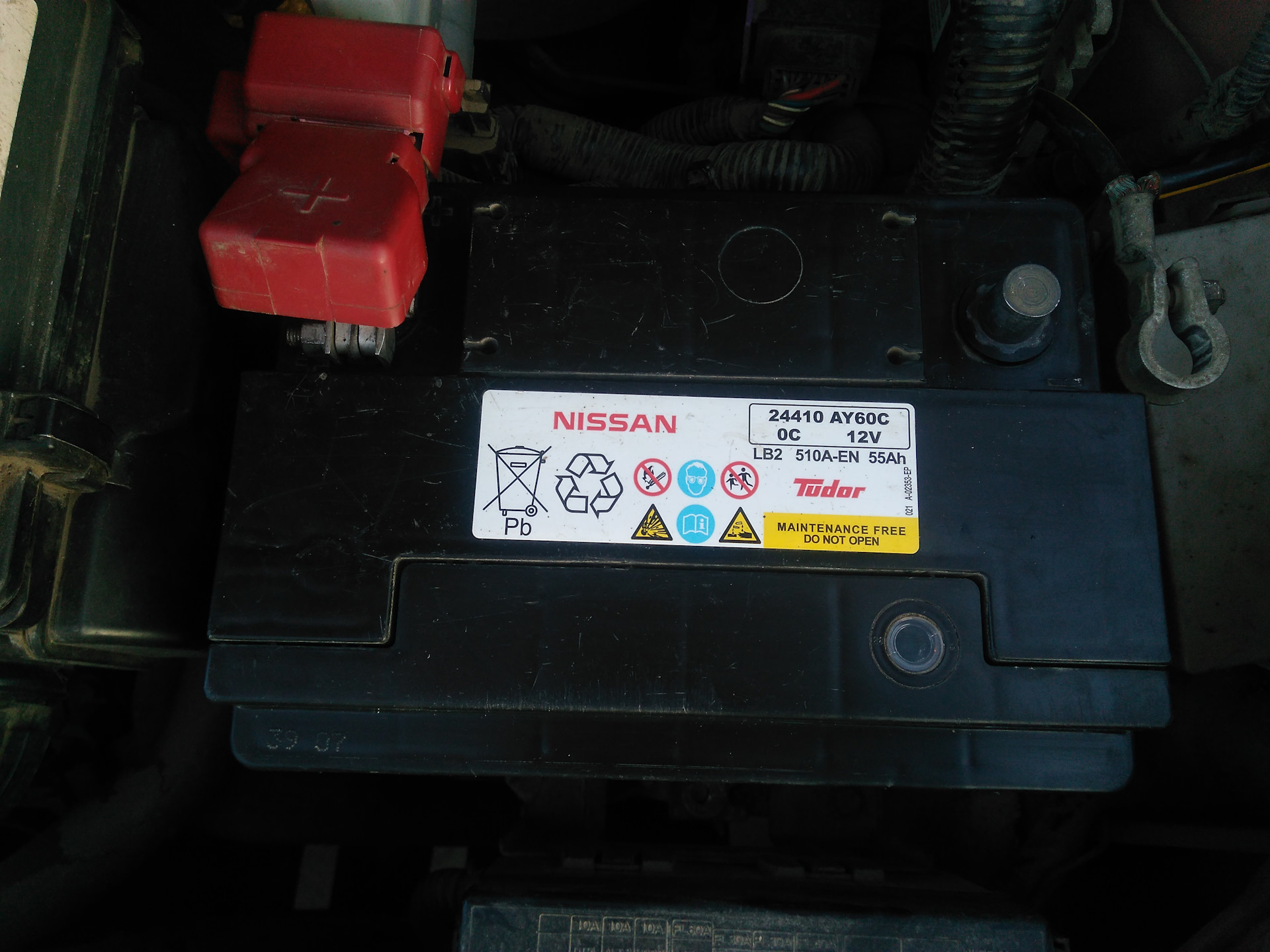
5. Lift the battery positive terminal cover.
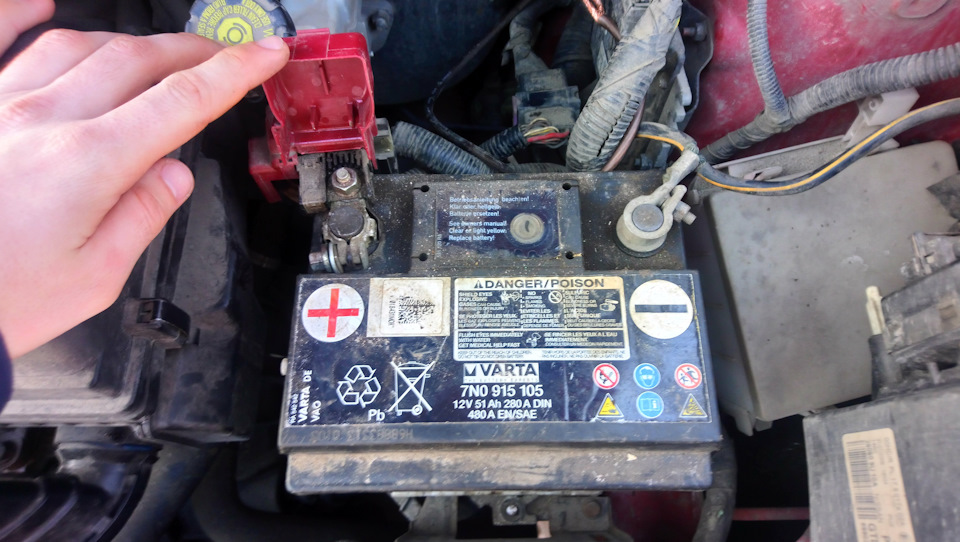
6. Loosen the wire lug pinch nut.
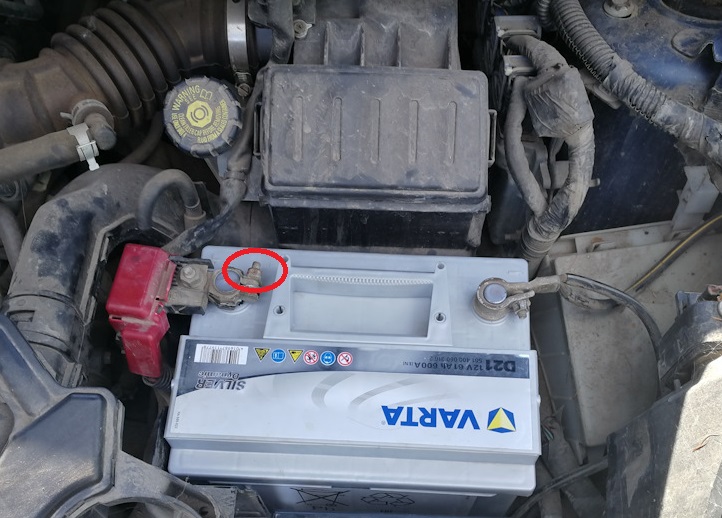
7. Disconnect the tip from the plus terminal of the battery.
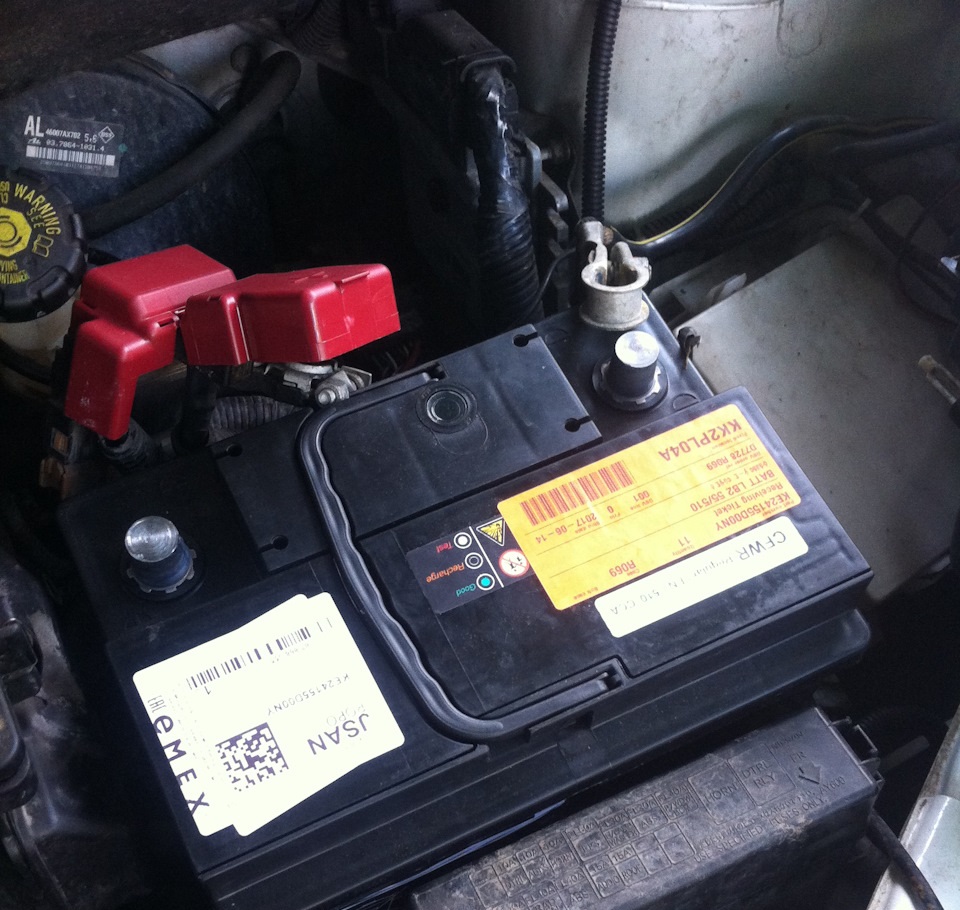
8. With a 13 mm head, unscrew the mounting bolt and remove the pressure plate.
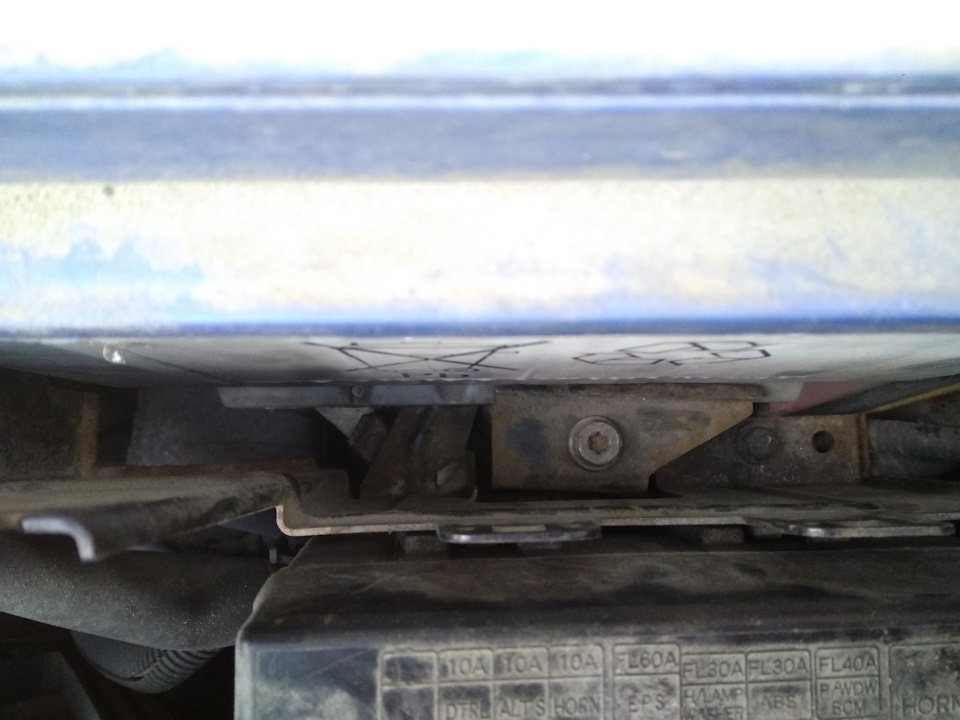
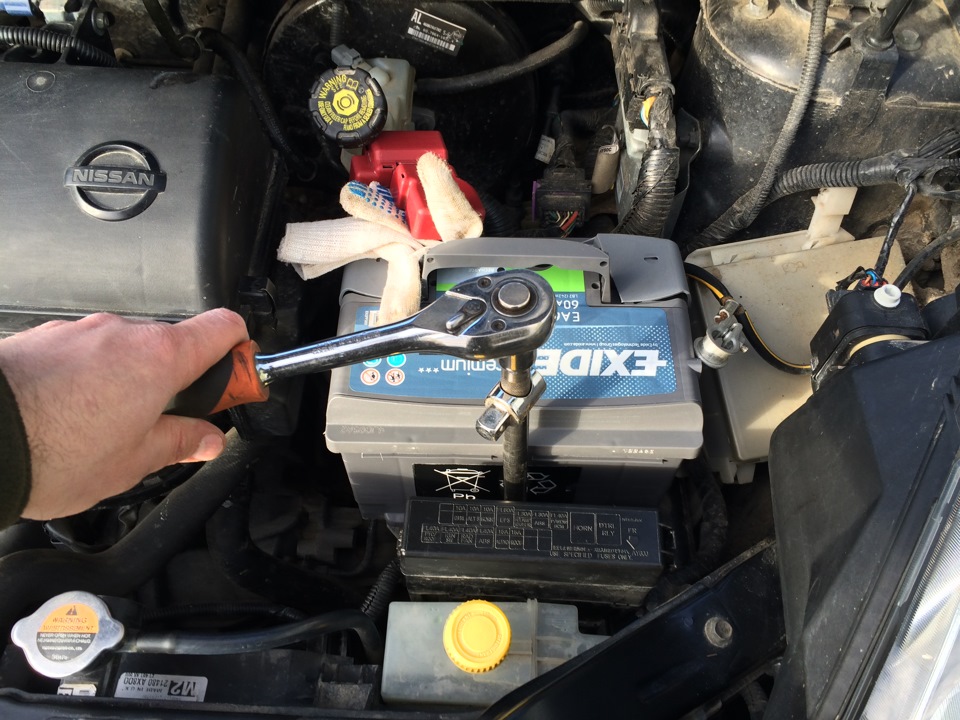
9. Pull the battery out of the engine compartment.
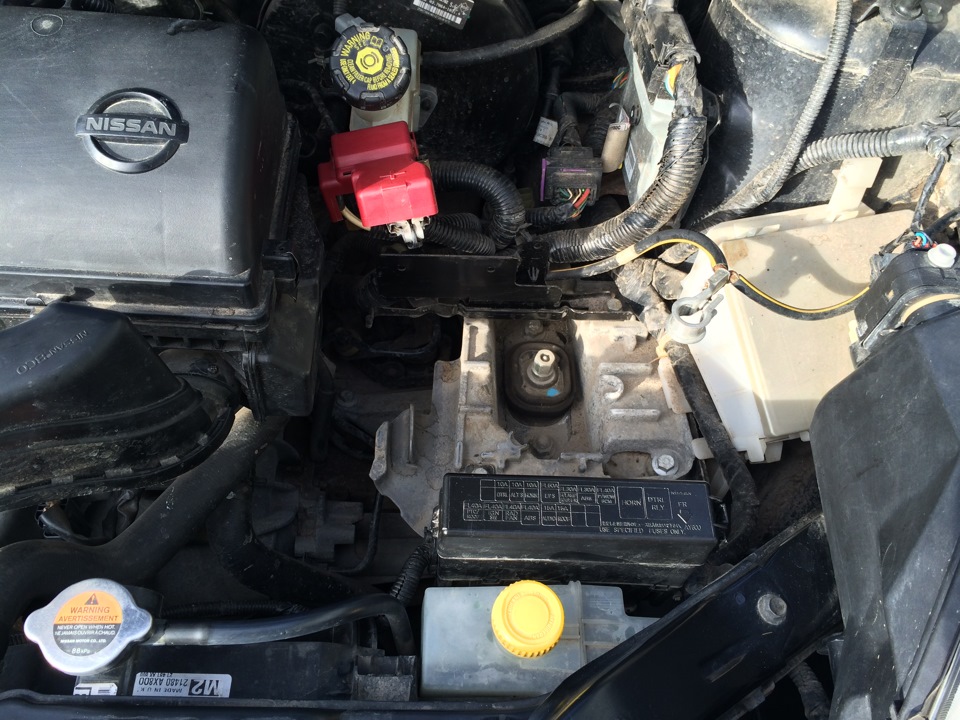
Replacing the left engine mount Nissan Note
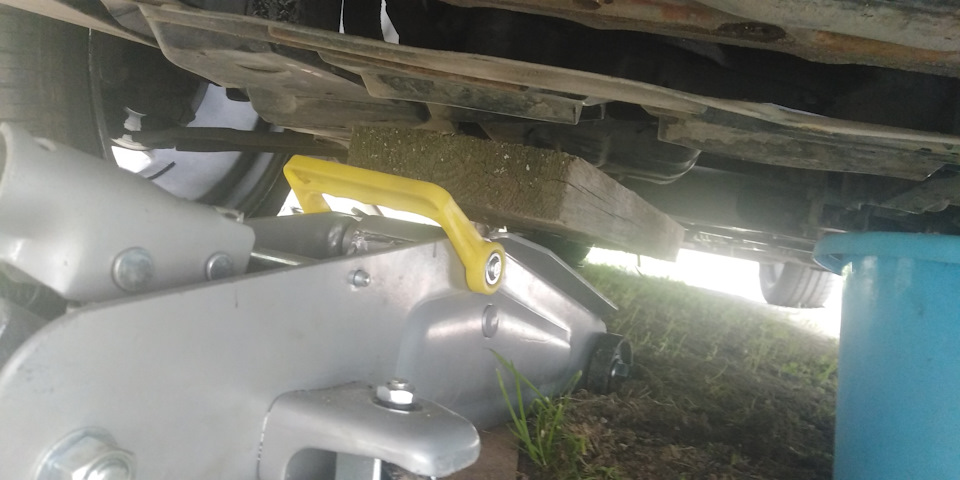
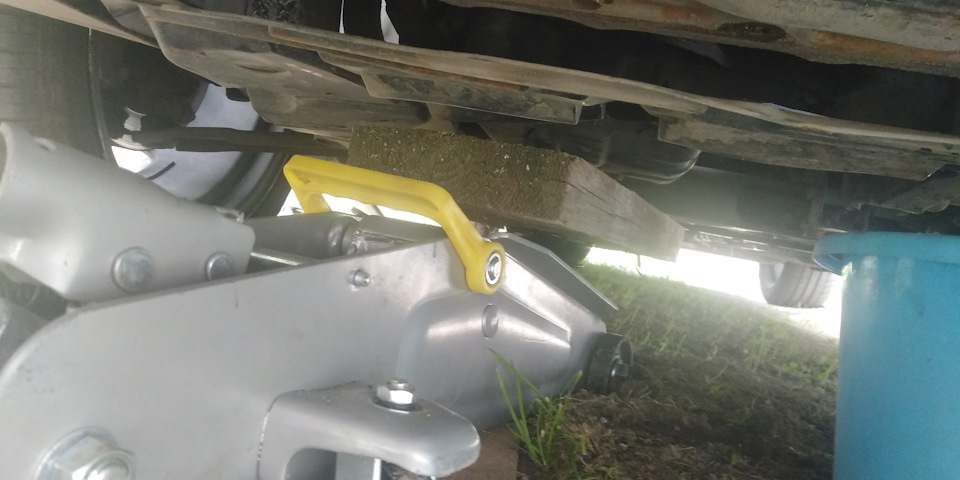
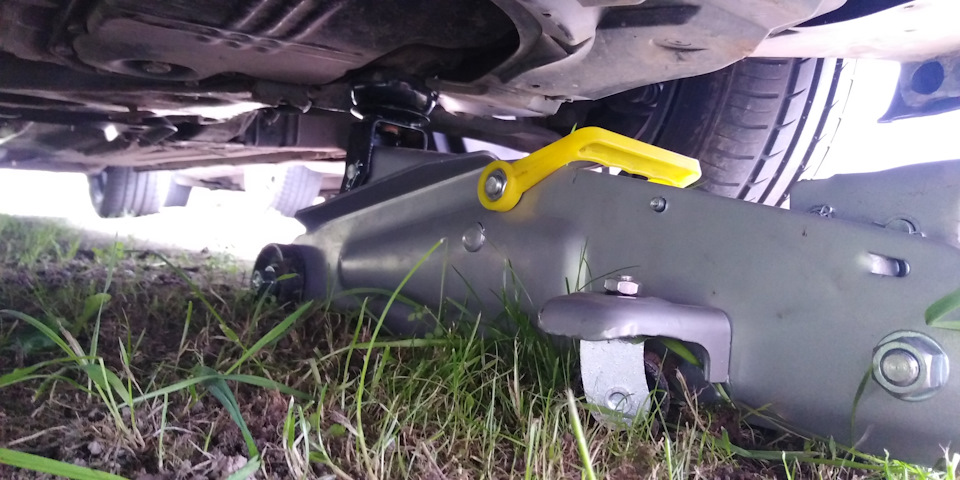
1. Install a support through a wooden spacer under the gearbox.
2. Squeeze the wire harness retainer with pliers. Push it into the opening of the casing and take the wires to the side.
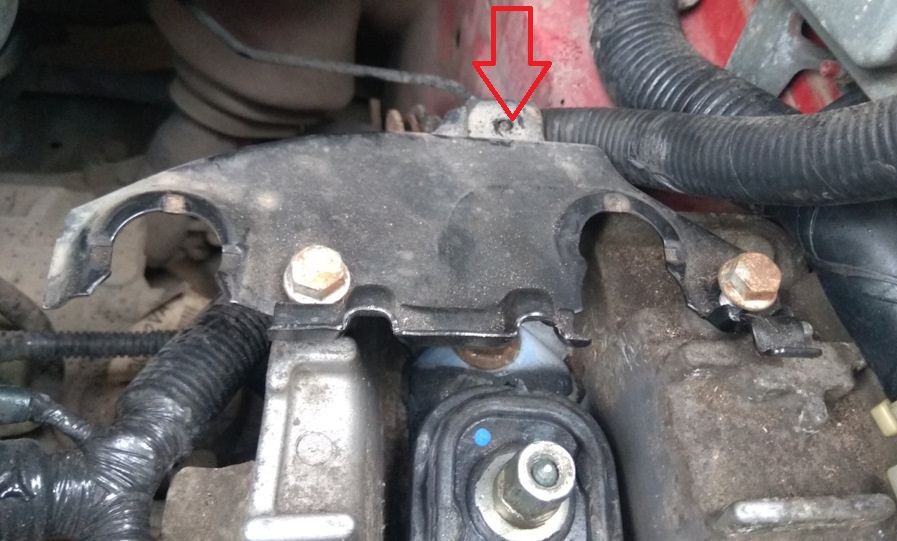
3. Turn away 2 bolts of fastening of a casing to an arm of the left support of the engine.
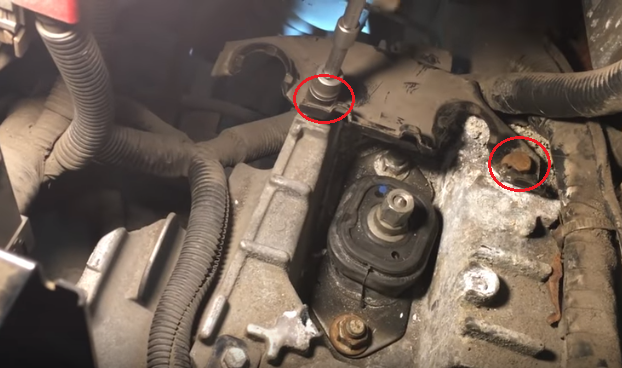
4. Remove the cover.
5. Turn away 2 nuts of bolts of fastening of the basis of the left support of a suspension bracket of the power unit.
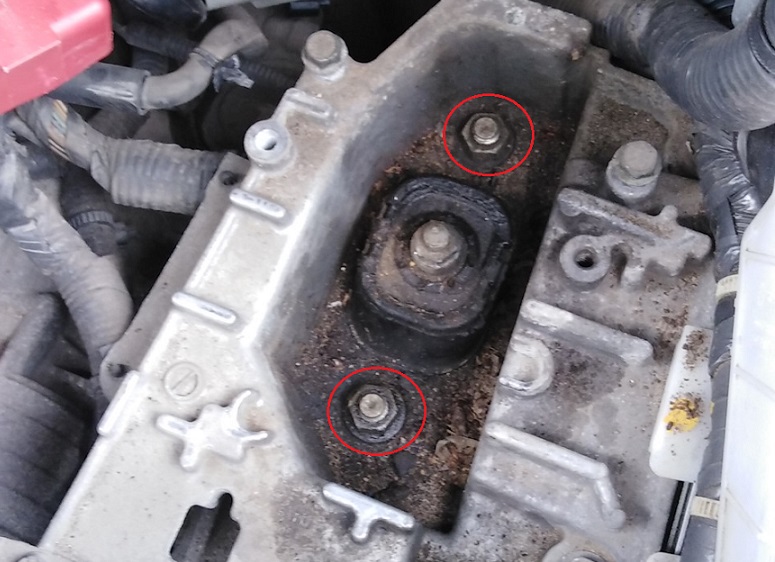
6. Remove nuts and remove bolts from holes.
7. Turn away and remove a nut of fastening of an arm guide support of the Nissan Note engine.
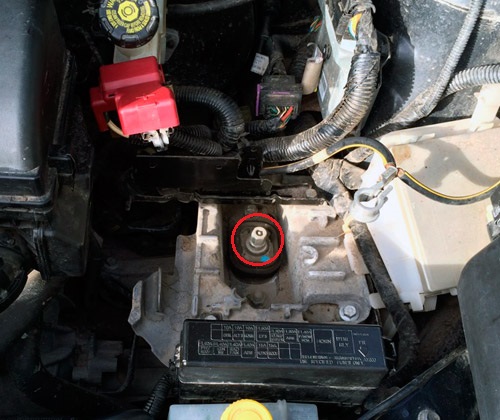
8. Pry off the support with mounting spatulas (or 2 screwdrivers). Place a nut under its base.
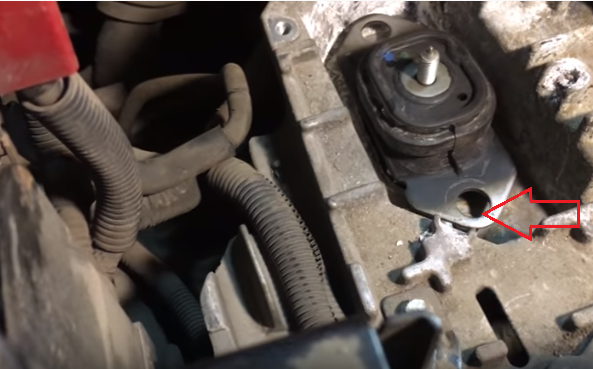
9. Using a hammer and a spacer, knock out the power unit bracket support guide.
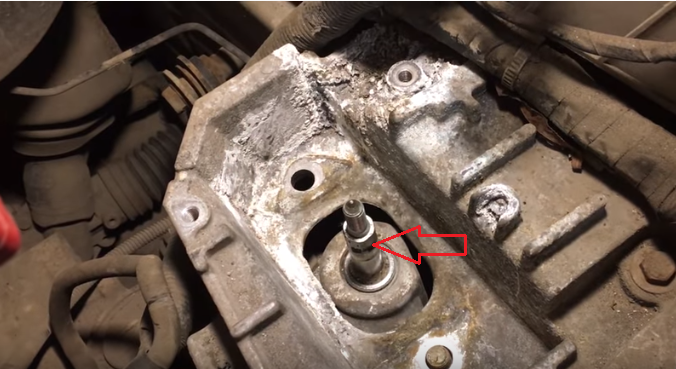
10. Remove the left engine mount Nissan Note.
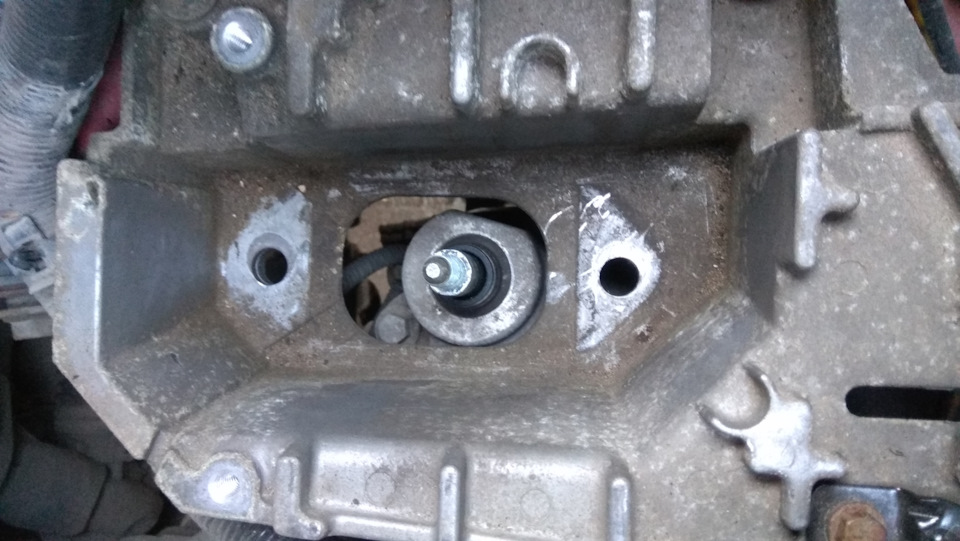
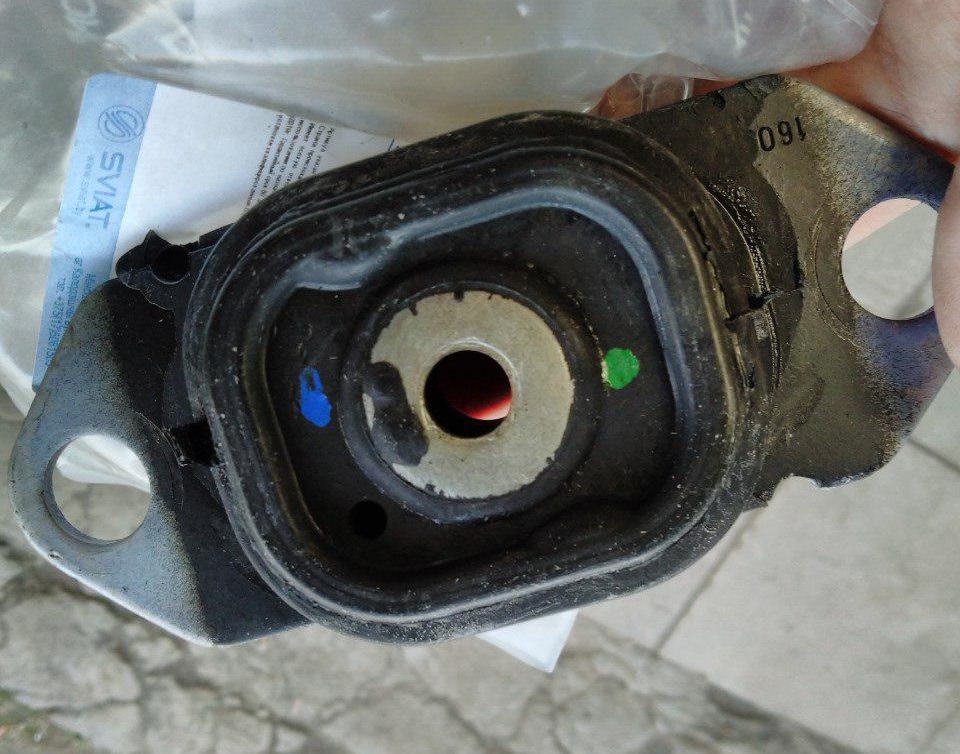
11. If necessary, replace the Nissan Note engine mount with a new one.
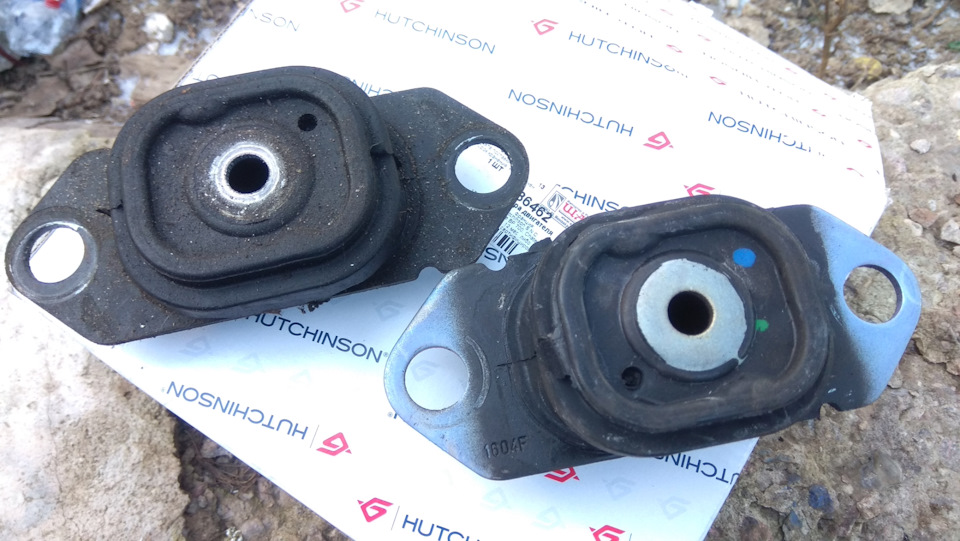
Note:
If necessary, remove the left powertrain mount bracket.
Removing the left engine mount bracket Nissan Note
1. Turn out and take out 2 fixing bolts of the assembly block of the relay and fuses located in a motor compartment.
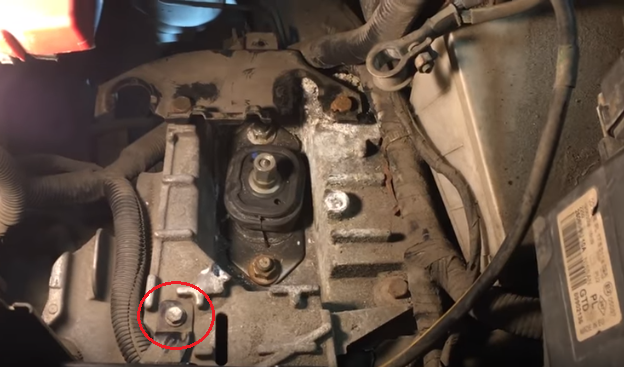
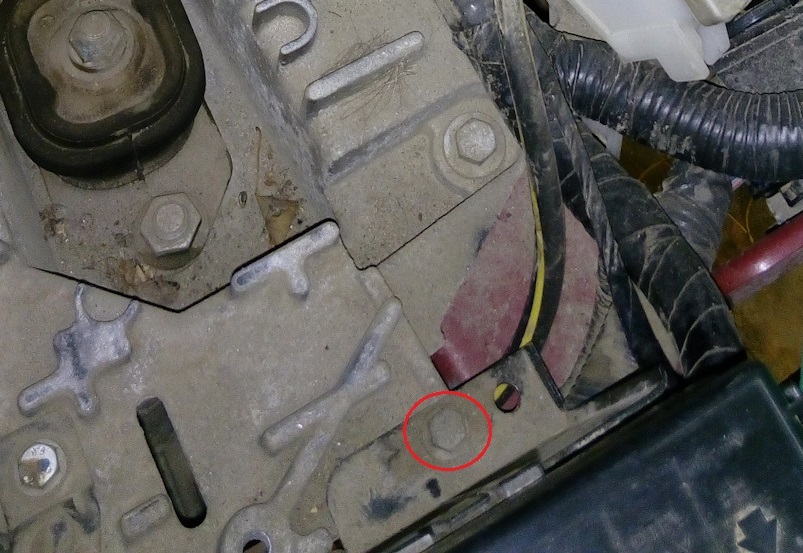
2. Turn the block aside.
3. Turn out and take out bolts of the top fastening of an arm of the left support of the power unit to a side member of a body.
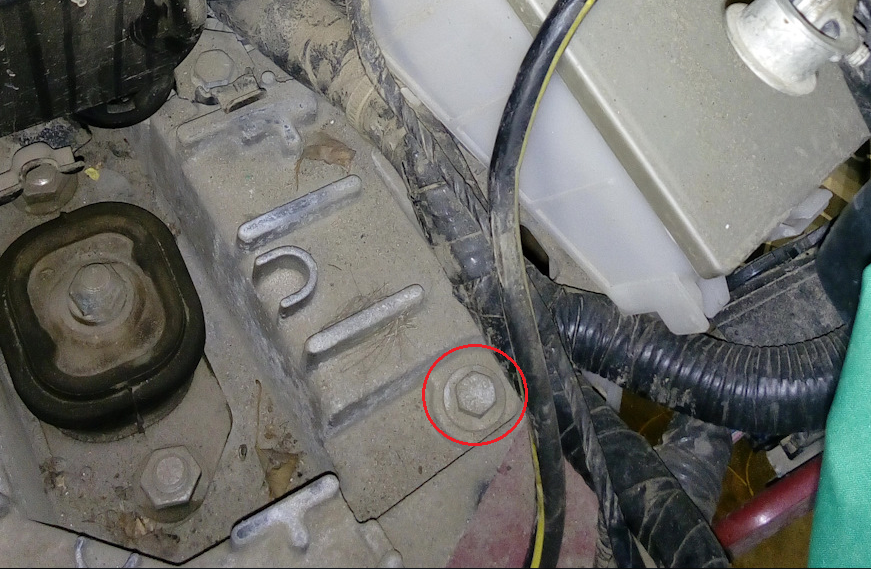
4. Loosen the 2 bolts (the second one is not visible) of the lower mounting of the bracket to the body.
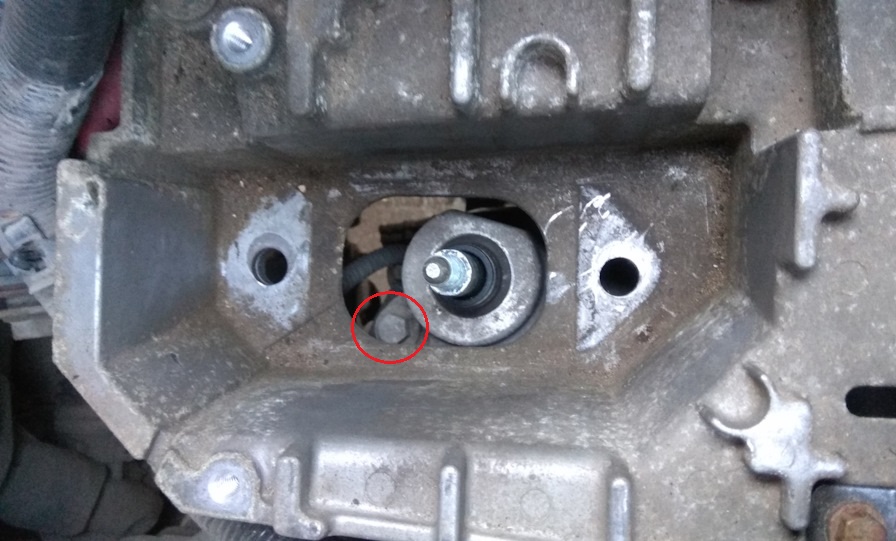
5. Lift the bracket up and out of the engine compartment.
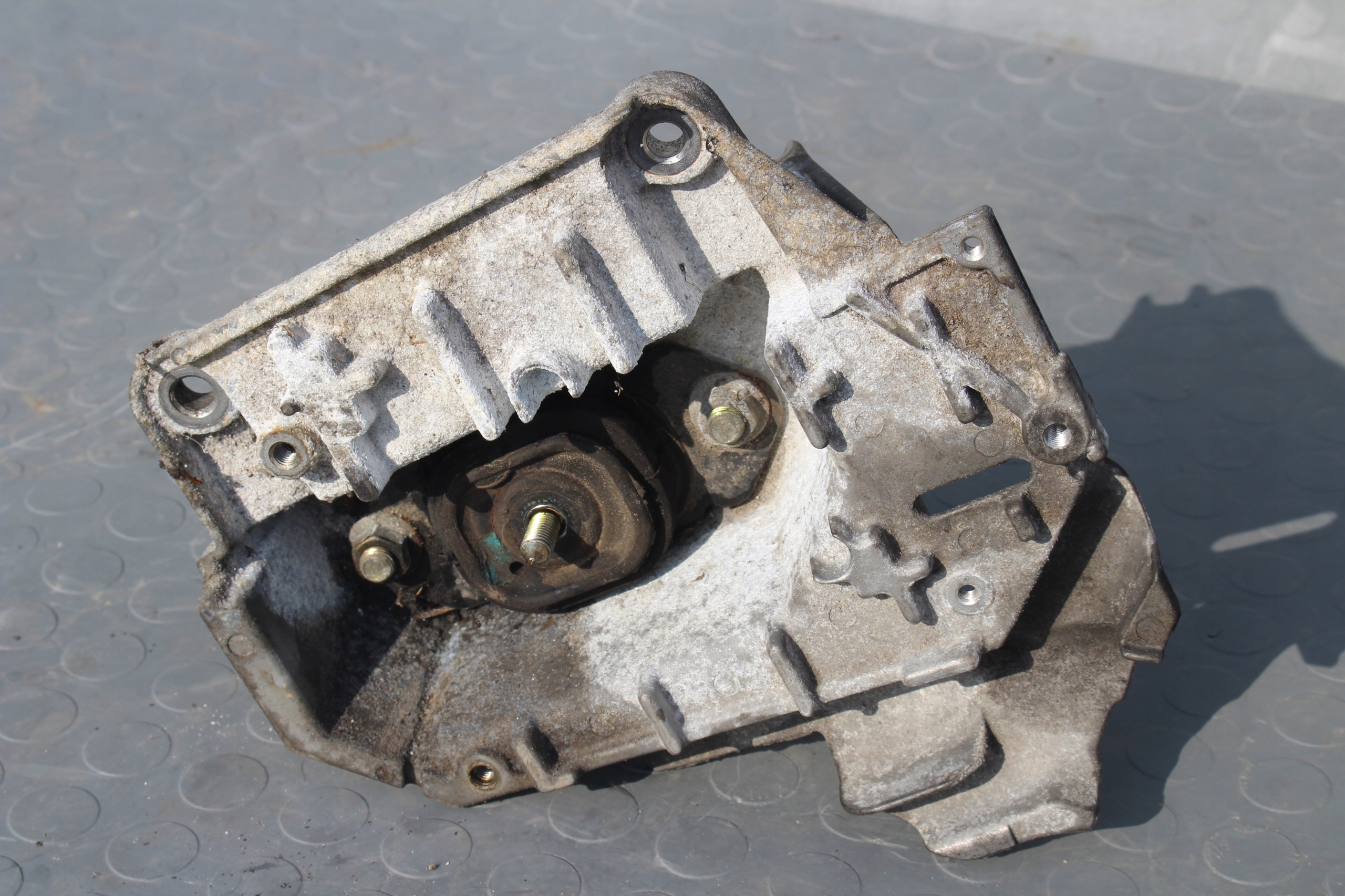
6. Turn out 3 bolts of fastening and remove an arm of the left support Nissan Nout.
7. Install the left Nissan Note engine mount and battery in the reverse order of removal.
Source: carpedia.club